

The fastest no-tools way to give a Steam Machine more game storage is a portable SSD on the rear USB-C port — plug it in, format it once, and your library grows by terabytes without ever opening the case. All three picks here are proven 10Gbps portable drives: the Samsung T7 Shield is our best overall, the Crucial X9 Pro is the best value, and the SanDisk Extreme is the pick if the same drive also travels in a bag.
One spec decides this whole purchase, and it saves you money: the Steam Machine's fastest external port is the rear USB-C 3.2 Gen 2, which tops out at 10Gbps (~1,000 MB/s real-world). That means the expensive 20Gbps and Thunderbolt/USB4 drives — the Samsung T9, the fancy 40Gbps enclosures — fall back to the same 10Gbps here. Don't pay for speed the port can't use. A good 10Gbps drive like the three below already saturates the connection, so the money you save belongs in capacity instead.
And to set expectations honestly: an external drive is the big-library option, not the speed option. For the fastest possible loads, the internal M.2 drive is still king — that upgrade is covered in our best SSDs for the Steam Machine comparison. The external drive is where the rest of your backlog lives, one cable away.
Who this comparison is for#
- Steam Machine owners whose internal drive is full and who want a lot more space without opening the console or re-imaging anything.
- Players with a big backlog who'd rather keep everything installed than juggle downloads on a fast connection they don't have.
- Anyone who wants one drive that also works as regular fast storage for a PC or Mac when it's not feeding the console.
- People deciding between a microSD card and an external SSD for overflow storage — the SSD is roughly 10x faster; the card is cheaper and disappears into the front slot. (Card picks are in our best microSD cards for the Steam Machine comparison.)
How we picked#
- 10Gbps drives only. The rear USB-C port is USB 3.2 Gen 2, so every pick is a 10Gbps drive that saturates it. We deliberately skipped 20Gbps and Thunderbolt/USB4 drives — on this console they run at exactly the same speed while costing meaningfully more.
- Proven controllers, one speed class. Game installs are long sequential writes and gameplay is lots of reads; all three drives are NVMe drives from the storage makers themselves, rated by their manufacturers at the same 1,050 MB/s read over the same USB 3.2 Gen 2 interface.
- Built to live behind (or off) a console. A drive that hangs off a living-room machine gets knocked, unplugged and carried. Every pick here is rated for drops and rough handling — no bare-plastic drives.
- Capacity that fits a modern library. All three scale to 4TB, which is where an installed-everything backlog actually fits.
Getting it working (one-time, five minutes)#
SteamOS treats an external drive as a full game library. Format the drive to ext4 from Desktop Mode (Linux's native filesystem — the one SteamOS handles best for game libraries), then add it as a Steam library folder in Storage settings. From then on SteamOS auto-mounts it, and games install to it like any other drive. Use the rear USB-C port for the full 10Gbps; the front USB-A ports are 5Gbps (fine in a pinch — still several times faster than a microSD card), and the rear USB-A 2.0 pair is for controllers and dongles, not storage.
Samsung T7 Shield — Best Overall#
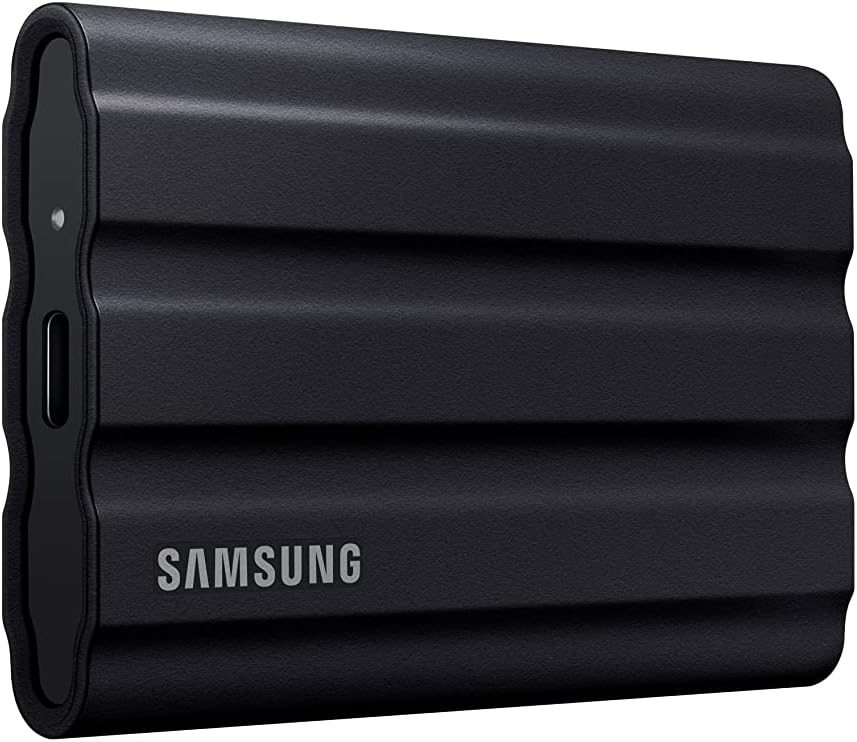
The T7 Shield is the default answer for exactly this job: a 10Gbps drive with a mature Samsung controller, rated at 1,050 MB/s reads and 1,000 MB/s writes — which is the rear USB-C port's practical ceiling, so nothing faster would show up in load times anyway. Samsung builds the NAND, the controller and the firmware in-house and backs the drive with its own Magician software for health monitoring and firmware updates, which is the boring kind of reassurance you want from the drive your library lives on.
The "Shield" part earns its name in a living room. The rubberized body is IP65-rated against dust and water and drop-tested to 9.8 feet (3 metres), which is precisely the insurance you want for a drive that dangles off a console shelf, gets yanked out by a cable snag, or rides to a friend's place. It runs cool under sustained load, stays silent, and the same drive doubles as fast editing or backup storage on a PC or Mac. We've reviewed it in depth in our Samsung T7 Shield review — it earned its spot there for the same reasons it wins here.
Key specs#
Interface : USB 3.2 Gen 2 (10Gbps) over USB-C — matches the Steam Machine's fastest port
Rated speed : Up to 1,050 MB/s read / 1,000 MB/s write
Durability : IP65 dust/water resistance, 3m drop rating, rubberized body
Capacities : 1TB / 2TB / 4TB
In the box : USB-C to C and USB-C to A cables
Best for : The set-and-forget library drive that can also take a beating
Bottom line. The port's full speed, first-party silicon end to end, and an IP65 body rated for 3-metre drops. Buy the 2TB and stop thinking about storage.
Crucial X9 Pro — Best Value#
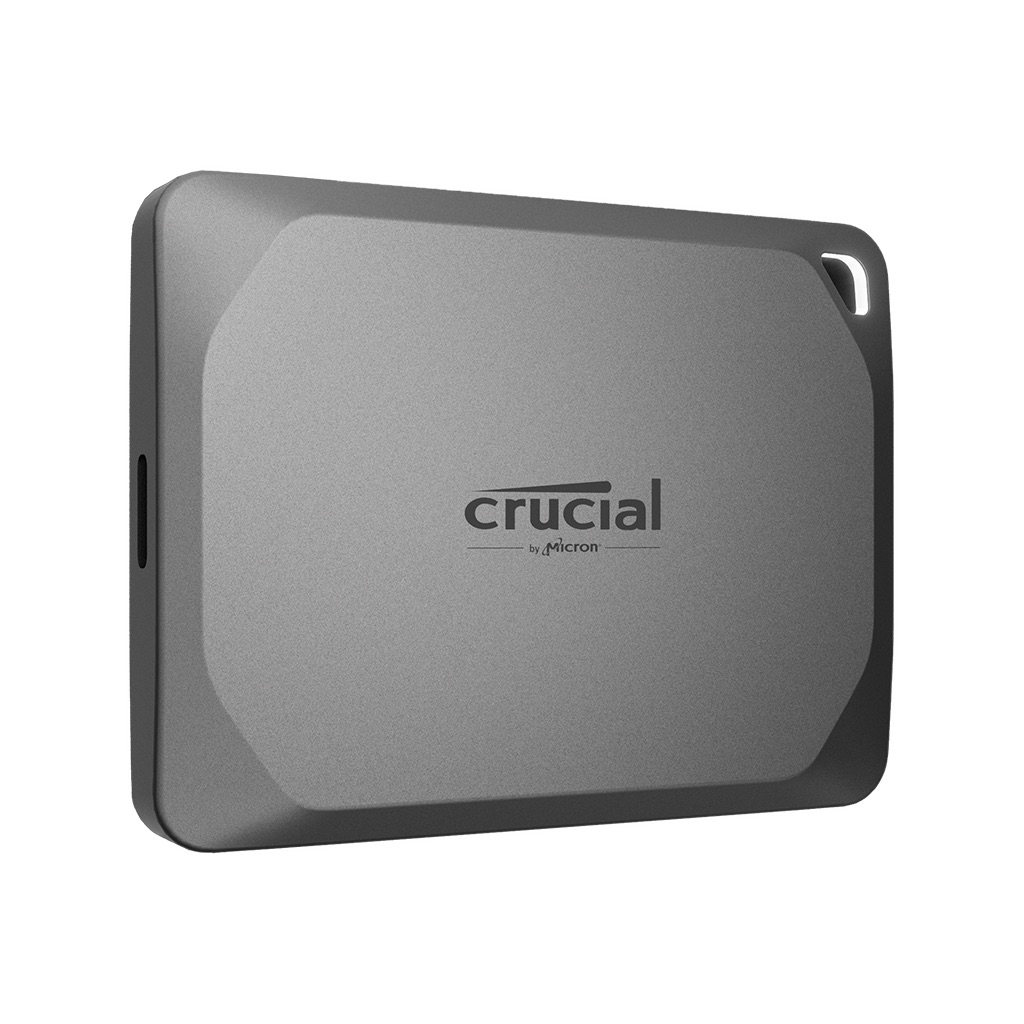
The X9 Pro delivers the same 1,050 MB/s class of performance as the T7 Shield — Crucial rates it at up to 1,050 MB/s in both directions — usually for noticeably less money per terabyte, and on a port capped at 10Gbps, "same speed for less" is the whole argument. Crucial is Micron's consumer brand, so the flash inside comes from the company that designs and tests the finished drive. One thing to know before you buy: Micron announced in December 2025 that it is exiting the Crucial consumer business, with shipments through the consumer channel ending in February 2026. Warranty service continues, but this is end-of-life stock rather than a line with a future.
It's also the smallest drive here — a 65 x 50 mm anodized-aluminum slab with a rubberized soft-touch base and a lanyard hole, small enough to vanish behind a console. The body is IP55-rated and rated for 2-meter drops onto a carpeted floor: a step below the Shield's rubber armor on paper, but comfortably tough enough for shelf duty and the occasional trip. If the T7 Shield is in one of its frequent sale windows the gap can close to nothing — check both — but at typical prices the X9 Pro is where the value is. Our full Crucial X9 Pro review goes through the specs in detail.
Key specs#
Interface : USB 3.2 Gen 2 (10Gbps) over USB-C
Rated speed : Up to 1,050 MB/s read and write
Durability : IP55 rating, 2m drop rating (carpeted floor), anodized aluminum with a rubberized soft-touch base
Capacities : 1TB / 2TB / 4TB
Size : 65 x 50 mm footprint, ~38g — the most compact pick here (Crucial publishes no thickness figure)
Best for : Maximum terabytes per dollar at the port's full speed
Bottom line. Everything the console can actually use, in the smallest body, typically at the best price per terabyte. The rational pick.
SanDisk Extreme Portable SSD — Best for Travel#
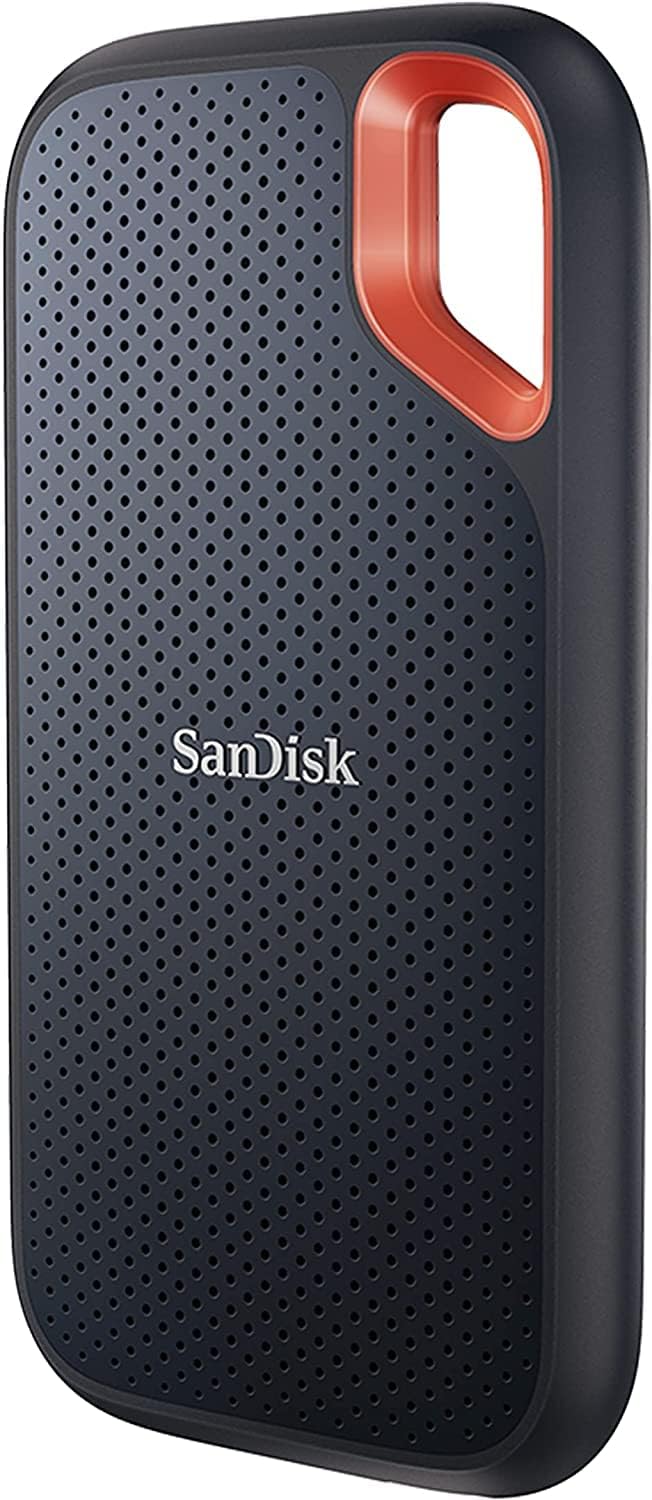
The SanDisk Extreme is the third member of the same 1,050 MB/s club, with one physical feature the other two lack: a molded carabiner loop. That sounds trivial until the drive splits time between the living room and a backpack — clipped to a bag strap or a keyring, it's the drive you actually take places. The silicone-shelled body is IP65-rated against dust and water and rated for 3-metre drops — SanDisk requalified the drive upward from its original IP55 and 2-metre ratings, so it now matches the T7 Shield on paper and shrugs off the kind of handling that scuffs bare-metal drives.
Performance-wise it trades blows with the X9 Pro: same interface, same 1,050 MB/s read rating, the same "this is as fast as the port goes" result in practice. Pricing moves around a lot between the three — SanDisk runs deep discounts often, so if the Extreme is cheapest at a given capacity on the day you're buying, it's the right buy. It's been a fixture of our best portable SSDs roundup for good reason, and the full story is in our SanDisk Extreme review.
Key specs#
Interface : USB 3.2 Gen 2 (10Gbps) over USB-C
Rated speed : Up to 1,050 MB/s read / 1,000 MB/s write
Durability : IP65 rating, 3m drop rating, silicone shell, carabiner loop
Capacities : 500GB / 1TB / 2TB / 4TB / 8TB
Extras : Loop for clipping to a bag or keyring
Best for : A library drive that also commutes — console at home, fast storage on the go
Bottom line. Same speed as the others plus the most portable-friendly design. Buy it when it's the one on sale, or when the drive travels as much as it stays.
Which one should you buy?#
For most people, buy the Samsung T7 Shield 2TB. It saturates the Steam Machine's rear USB-C port, runs on Samsung's own NAND, controller and firmware, and its IP65 body plus 3-meter drop rating make it the drive you never worry about. It's the set-and-forget pick.
If you want the same real-world speed for less, buy the Crucial X9 Pro. On a 10Gbps port it loads games exactly as fast as the Shield, it's the smallest drive here, and it's usually the best price per terabyte. Most of the time, this is the value play.
If the drive will live half its life in a backpack, buy the SanDisk Extreme. The carabiner loop and silicone shell make it the natural traveler, and when SanDisk's frequent sales put it below the other two, it's the easy call.
Whichever you pick: use the rear USB-C port, skip anything marketed as 20Gbps/Thunderbolt/USB4 for this console — it all falls back to 10Gbps here — and remember the split. The internal M.2 drive is the speed upgrade (best SSDs for the Steam Machine), the microSD slot is the cheapest overflow (best microSD cards), and the external SSD is the big-library sweet spot between them. The rest of the setup lives in our best Steam Machine accessories roundup.
FAQ#
Can the Steam Machine run games directly from an external SSD?#
Yes. SteamOS supports full game libraries on external drives: format the drive to ext4 in Desktop Mode, add it as a library folder in Storage settings, and install games to it like any other drive. SteamOS auto-mounts it from then on. Over the rear 10Gbps USB-C port, load times on a drive like these are close enough to the internal drive that most games feel the same.
Should I buy a Thunderbolt, USB4 or 20Gbps drive instead?#
No — not for this console. The Steam Machine's fastest external port is USB 3.2 Gen 2 at 10Gbps, so 20Gbps drives (like the Samsung T9) and Thunderbolt/USB4 drives all fall back to the same 10Gbps the drives here already deliver. You'd pay a real premium for zero extra speed. Those drives only make sense if the same SSD also serves a Thunderbolt-equipped PC or Mac.
Which port should I plug the drive into?#
The rear USB-C port — it's the 10Gbps one. The two front USB-A ports are 5Gbps: fine for a temporary hookup and still miles faster than a microSD card, but they halve what these drives can do. The two rear USB-A 2.0 ports are for controllers and dongles; don't put storage there.
External SSD or microSD card for extra Steam Machine storage?#
The SSD is roughly ten times faster. The Steam Machine's card slot is UHS-I (~100 MB/s real-world), so a microSD is the cheap, invisible overflow option, while a 10Gbps external SSD loads games nearly like internal storage. If you mostly store smaller or older games, a card is fine; for one drive that treats your whole backlog like a real library, the SSD is worth the difference.
What capacity should I get?#
2TB is the sweet spot: room for a serious rotation of modern 100GB-class games at the best price per terabyte in most sale windows. Go 4TB if you genuinely keep everything installed; 1TB works as a starter but fills faster than you'd think.
Do I need to format the drive, and will it still work on my PC?#
You'll want ext4 for the Steam library, and Windows can't read ext4 out of the box — so treat the drive as dedicated to the console once it's set up. If you need one drive that moves between a Windows PC and the Machine for regular files, keep a separate partition or a different drive for that; mixing roles on one filesystem is where people get burned.