

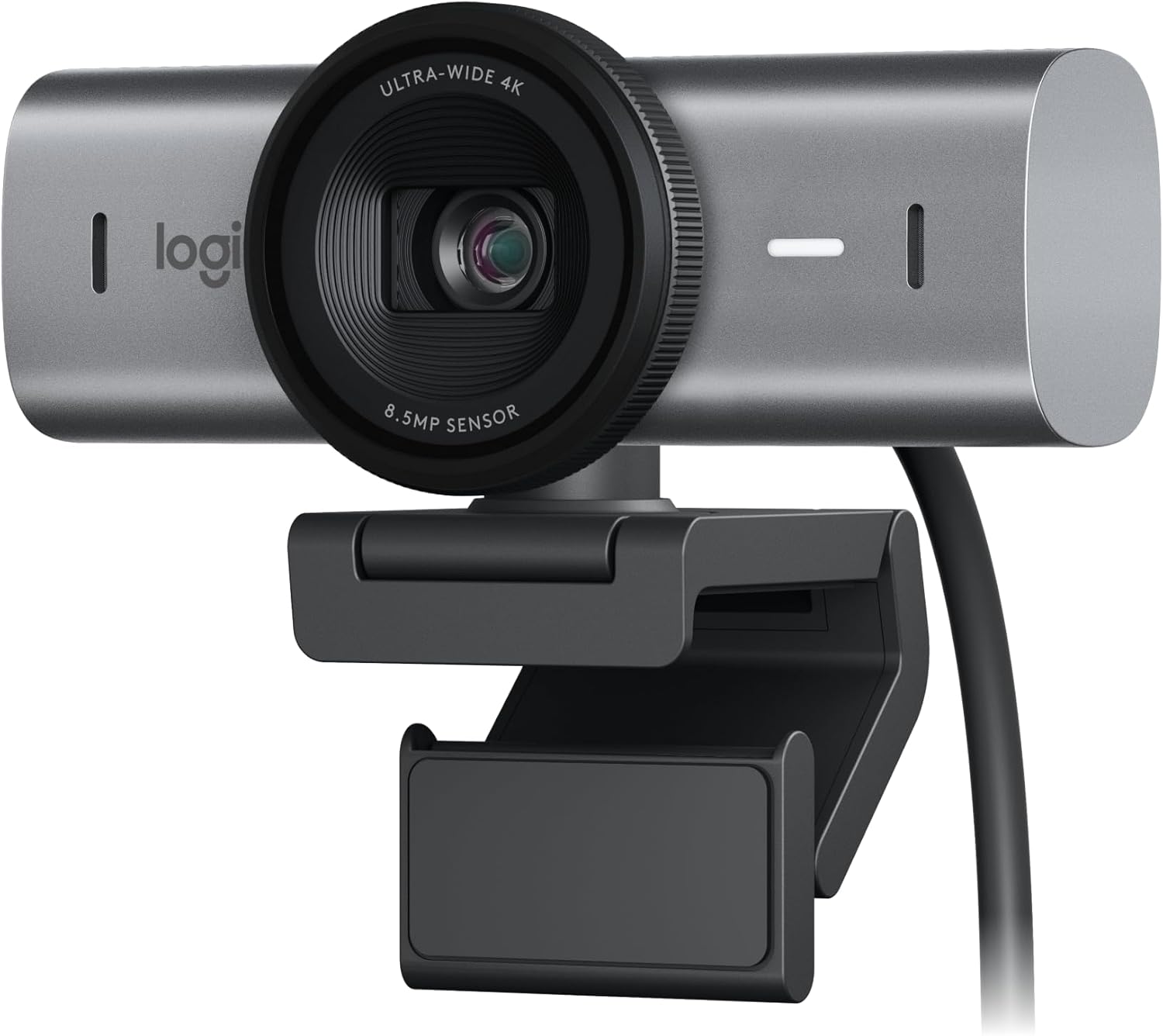
For most people the Logitech MX Brio is the best webcam for video calls and streaming — sharp 4K with smart light correction. On a budget, the Logitech C920x still nails crisp 1080p. For serious streamers, the Razer Kiyo Pro Ultra delivers the best low-light image of the three.
Who this comparison is for#
- Remote workers and hybrid teams who live in Zoom, Teams, or Google Meet and want to look sharp without fiddling with lighting kits.
- Streamers and content creators who need clean footage for Twitch, YouTube, or OBS, including in dim rooms.
- Anyone upgrading from a laptop camera who wants a real jump in clarity, framing, and audio without buying a full studio rig.
How we picked#
- Image quality across lighting — we favored cameras that stay usable in mixed and low light, not just bright office setups.
- Real-world resolution — 1080p minimum, with 4K options for those who crop, zoom, or stream at high quality.
- Build, mounting, and privacy — sturdy clips, USB plug-and-play, and a physical shutter or webcam cover where possible.
- Track record — each pick has hundreds to thousands of reviews and a 4-star-plus rating, so you're not beta-testing hardware.
- Software and compatibility — works cleanly with the apps people actually use (Zoom, Teams, Meet, OBS) on both Windows and Mac.
Product 1 — Logitech MX Brio (Best Overall)#
The Logitech MX Brio is the webcam we'd hand to most people without a second thought. It shoots true 4K Ultra HD with a large 8.5MP sensor, then uses AI-driven light correction to lift your face out of shadow even when the only light source is your monitor. The result is a clean, color-accurate image that looks professional on a call and holds up when you stream.
What makes it the all-rounder is the balance. You get 4K at 30fps for detail, 1080p at 60fps for smooth motion, and a quick double-tap privacy shutter built into the housing. Auto-framing keeps you centered if you lean or shift, and the dual noise-reducing mics are good enough that you can skip a separate microphone for everyday meetings.
If you want the deep dive on this one, read our full Logitech MX Brio review for the complete breakdown.
Key Specs#
Resolution : 4K UHD at 30fps, 1080p at 60fps
Sensor : 8.5MP, larger pixels for low-light gain
Field of View : Adjustable 90°, 78°, or 65°
Privacy : Built-in physical shutter (double-tap)
Microphone : Dual beamforming noise-reducing mics
Connection : USB-C, plug-and-play
Works With : Zoom, Teams, Google Meet, OBS, Windows + Mac
Bottom line#
The best mix of sharpness, smart lighting, and built-in audio for work and streaming alike.
Product 2 — Logitech C920x (Best Budget)#
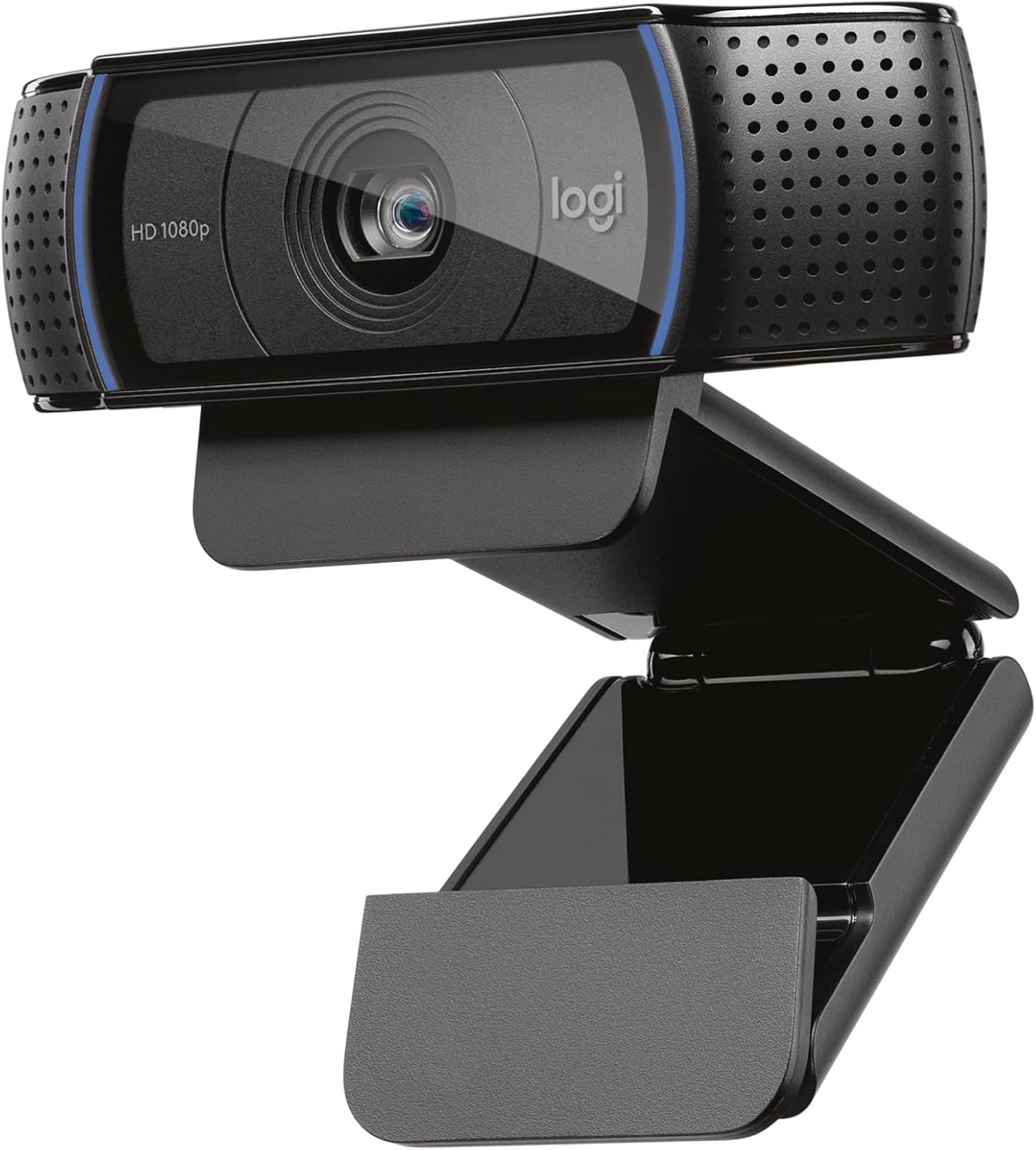
The Logitech C920x has been the default "good enough, costs little" webcam for years, and it earns the budget slot here. It records full 1080p at 30fps through a glass lens with autofocus, and the image is noticeably cleaner and more natural than any built-in laptop camera. For meetings, lectures, and casual streaming, it's hard to beat for the money.
It keeps things simple: a single USB-A cable, a flexible clip that grips most monitors and laptops, and stereo mics that capture clear voice without a headset. There's no physical shutter, but the camera ships with the bundled streaming license and works instantly across Zoom, Teams, Meet, and OBS.
Want the long-form take? See our full Logitech C920x review.
Key Specs#
Resolution : 1080p at 30fps
Lens : Glass lens with autofocus
Field of View : 78° diagonal
Microphone : Dual stereo mics
Privacy : No built-in shutter (clip-on cover sold separately)
Connection : USB-A, plug-and-play
Works With : Zoom, Teams, Google Meet, OBS, Windows + Mac
Bottom line#
The smart-money pick — proven 1080p quality at a fraction of the price of 4K rivals.
Product 3 — Razer Kiyo Pro Ultra (Best for Streaming)#
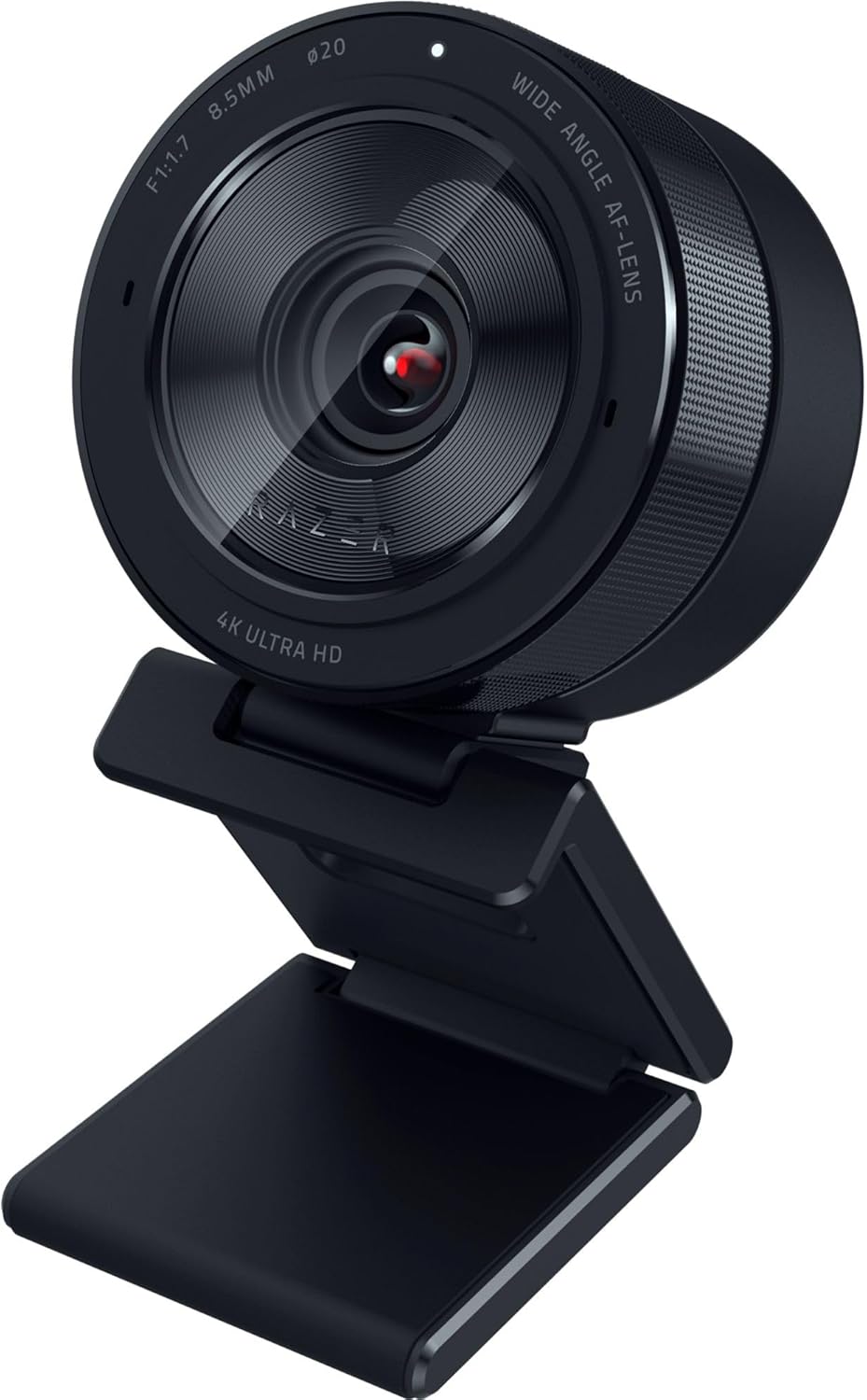
The Razer Kiyo Pro Ultra is the specialist pick for people who care most about image quality in tricky light. It packs an unusually large 1/1.2-inch Sony STARVIS 2 sensor behind a bright F1.7 aperture lens — far more light-gathering area than a typical webcam — so your stream stays clean and low-noise even in a dim, single-lamp room. That's the headline reason streamers reach for it.
It shoots uncompressed 4K at 30fps (or 1080p at 60fps for smoother motion), supports HDR, and includes AI-powered auto-focus and framing. A built-in mic and a physical privacy shutter round it out, and Razer's Synapse software gives you manual control over exposure, white balance, and field of view when you want to dial in a look. It's the priciest and most power-hungry of the three, but the payoff is the best raw footage here.
Key Specs#
Resolution : Uncompressed 4K at 30fps, 1080p at 60fps
Sensor : 1/1.2-inch Sony STARVIS 2, F1.7 aperture
Field of View : Adjustable 72°, 82°, or 90°
Privacy : Built-in physical shutter
Extras : HDR, AI auto-focus and framing, Synapse manual controls
Connection : USB-C (high-bandwidth recommended)
Works With : OBS, Twitch, Zoom, Teams, Windows + Mac
Bottom line#
The low-light champion for streamers who want pro-grade footage and manual control.
Which one should you buy?#
If you want one camera that quietly does everything well — sharp 4K, smart lighting, decent built-in audio — get the Logitech MX Brio. It's the safe default for remote work and looks great on a stream too.
If you're watching the budget or just want a reliable upgrade from your laptop camera, the Logitech C920x is the obvious call. Its 1080p image still looks clean on every major call platform, and it costs far less than the 4K options.
If your room is dim, you stream regularly, or you want manual control over the look of your footage, step up to the Razer Kiyo Pro Ultra. Its big sensor and bright lens pull ahead exactly where cheaper webcams fall apart — low light.
FAQ#
Do I really need a 4K webcam for video calls?#
Not for calls alone. Most meeting apps cap or compress video around 1080p, so a 1080p camera like the C920x looks great on Zoom or Teams. 4K mainly helps if you crop, zoom, or stream at high quality, where the MX Brio and Kiyo Pro Ultra show their advantage.
Which of these is best in a dark room?#
The Razer Kiyo Pro Ultra. Its large 1/1.2-inch sensor and F1.7 aperture gather far more light than a standard webcam, so it stays clean and low-noise where the C920x and even the MX Brio start to look grainy.
Do these webcams have a built-in microphone?#
Yes, all three include mics. The MX Brio and Kiyo Pro Ultra have noise-reducing mics good enough for everyday calls. The C920x has clear stereo mics. For serious streaming, a dedicated USB microphone still sounds better than any built-in option.
Will these work on both Windows and Mac?#
Yes. All three are USB plug-and-play on Windows and macOS and work with Zoom, Teams, Google Meet, and OBS. The MX Brio and Razer add optional software (Logi Tune and Razer Synapse) for extra controls, but you don't need it to get a good picture.
Do any of them have a privacy shutter?#
The MX Brio and Razer Kiyo Pro Ultra have built-in physical shutters you can close when not in use. The C920x does not include one, though inexpensive clip-on covers are widely available.
USB-A or USB-C — does it matter?#
The C920x uses USB-A, which fits older machines directly. The MX Brio and Kiyo Pro Ultra use USB-C; on a desktop or laptop without USB-C you may need an adapter or hub. The Kiyo Pro Ultra in particular benefits from a high-bandwidth port for uncompressed 4K.