

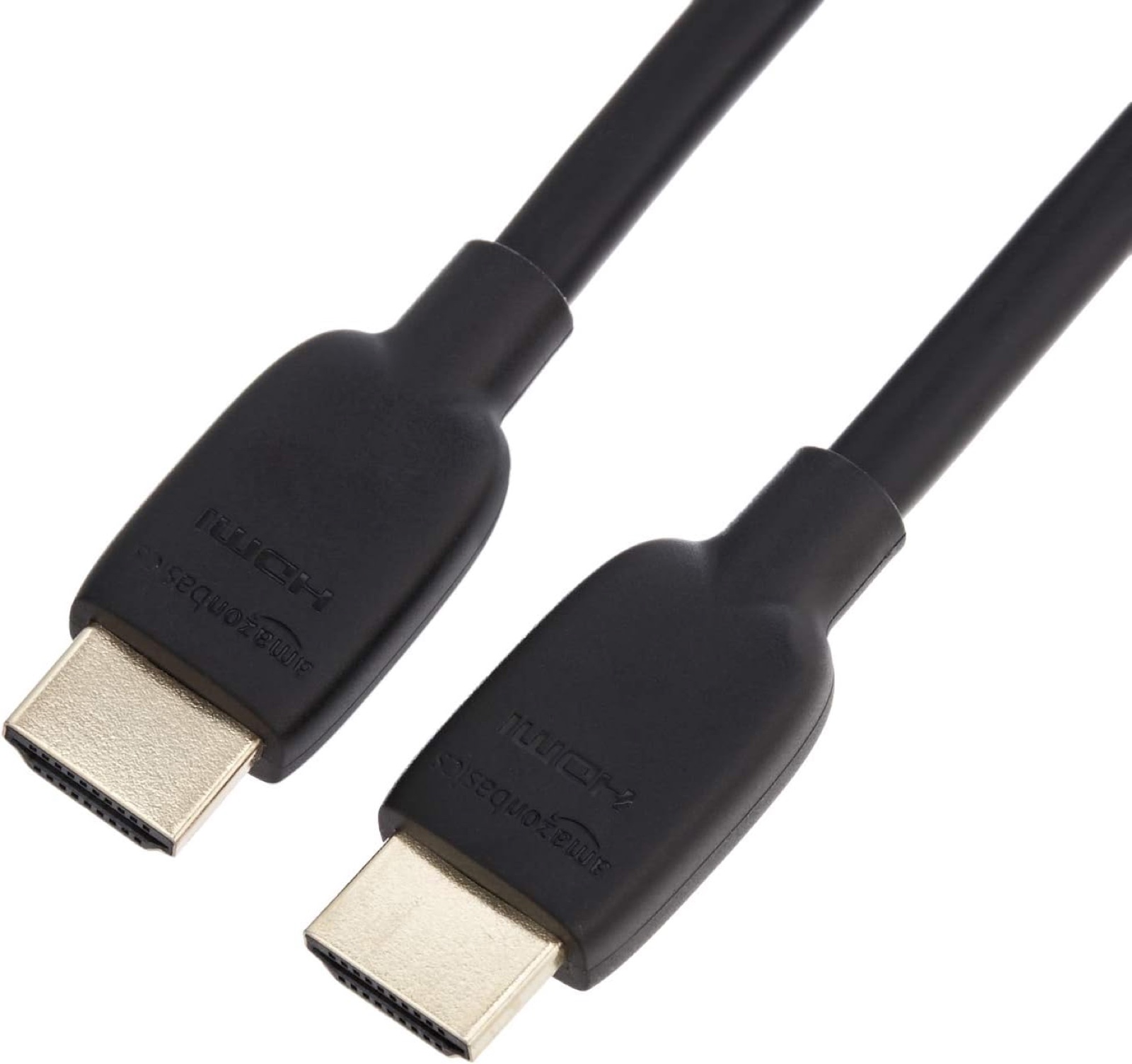
The cable question comes up the day the Steam Machine meets your TV — and the mystery HDMI cable from the drawer is exactly how you end up debugging black screens at 4K HDR. The good news: this is the cheapest purchase in your whole setup, and it's very hard to overspend if you know one fact. Our picks: the Amazon Basics Ultra High Speed HDMI cable is the best buy for most people, the Zeskit Maya is the certified premium option, and the Cable Matters 16.4ft is the pick when the console sits far from the screen.
The one fact: the Steam Machine's HDMI output is HDMI 2.0 — full-quality 4K tops out at 60Hz (Valve lists a 4K@120Hz mode that fits the port by using chroma subsampling). That has two happy consequences. First, any properly made cable rated "Premium High Speed" (18Gbps) or better already carries everything the port can produce — there is no picture-quality upgrade hiding in a more expensive cable. Second, since certified Ultra High Speed (48Gbps) cables now cost only a few dollars more, they're the smart default anyway: the certification program is stricter (every cable is tested and carries a scannable authentication label), and the same cable is ready for a PS5, an Xbox Series X, or whatever box replaces the Machine someday. Buy certified, buy once.
And if you play on a high-refresh monitor rather than a TV: the Machine's DisplayPort 1.4 output is the port for that — it's the one that goes past 4K60. HDMI is the TV connection here.
Who this comparison is for#
- New Steam Machine owners who need a known-good cable for a 4K TV instead of the mystery cable from the drawer.
- Anyone whose current cable drops signal, sparkles (white flashing pixels), or hands them a black screen at 4K HDR — the classic symptoms of an out-of-spec cable.
- People running a long span from a media cabinet or the other side of the room, where cheap unbranded cables genuinely start to fail.
- Multi-console households that want one cable spec that covers the Steam Machine today and a PS5/Xbox tomorrow.
How we picked#
- 48Gbps Ultra High Speed as the default. The port only needs 18Gbps, but certified 48Gbps cables cost barely more, are tested to the strictest consumer HDMI spec, and stay useful after this console. Two of our three picks carry the official Ultra High Speed certification label; all three are built to the 48Gbps spec.
- No snake oil. Past spec compliance, a premium-tier cable shows the identical picture to the budget pick — HDMI is digital; it works or it doesn't. Nothing here is priced for braided-nylon mystique.
- Real lengths for real rooms. A 6-foot cable covers a console under the TV; a certified 16.4-foot cable covers the cabinet-across-the-room case. Certification for passive cables runs out around 5m, so our long pick sits exactly at that limit instead of beyond it.
- Boring, replaceable, in stock. Cables get crushed, kinked and lost. Every pick is cheap enough to buy a spare and from a brand that will still exist when you need another.
Amazon Basics Ultra High Speed HDMI Cable, 6ft — Best for Most People#
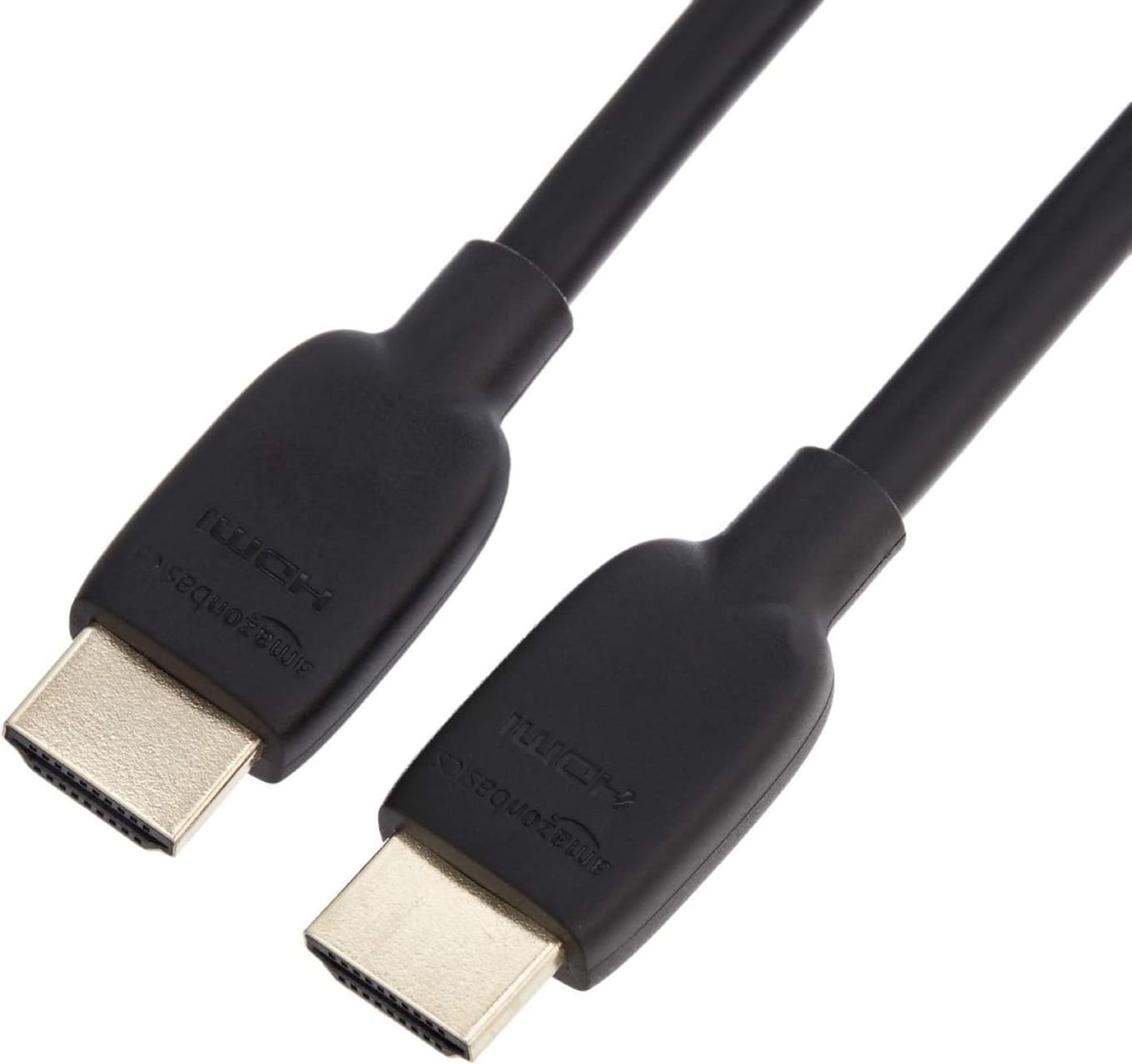
This is the whole job done for about the price of a coffee: a 48Gbps Ultra High Speed cable that carries the Steam Machine's full 4K60 HDR output with headroom to spare — the same cable spec that feeds 4K120 to a PS5. Gold-plated connectors, a sensibly flexible jacket, and Amazon's replacement policy behind it. Six feet is right for a console sitting under or beside the TV with a little slack for cable management.
There's genuinely not much more to say, which is the point. At this price you buy two — one for the Machine, one spare in the drawer — and never think about HDMI again. That's the correct amount of thought for a cable feeding an HDMI 2.0 port.
Key specs#
Bandwidth : 48Gbps Ultra High Speed (8K60 / 4K120 capable — far above the Machine's 4K60 output)
Length : 6ft / 1.8m (also sold in 3ft and 10ft)
Supports : 4K HDR, eARC, Ethernet channel
Connectors : Gold-plated, standard HDMI-A both ends
Best for : Any Steam Machine within arm's reach of the TV
Bottom line. The cheapest way to be completely done with this question. Buy it unless you need a long run.
Zeskit Maya Certified Ultra High Speed HDMI, 6ft — Certified Premium Pick#
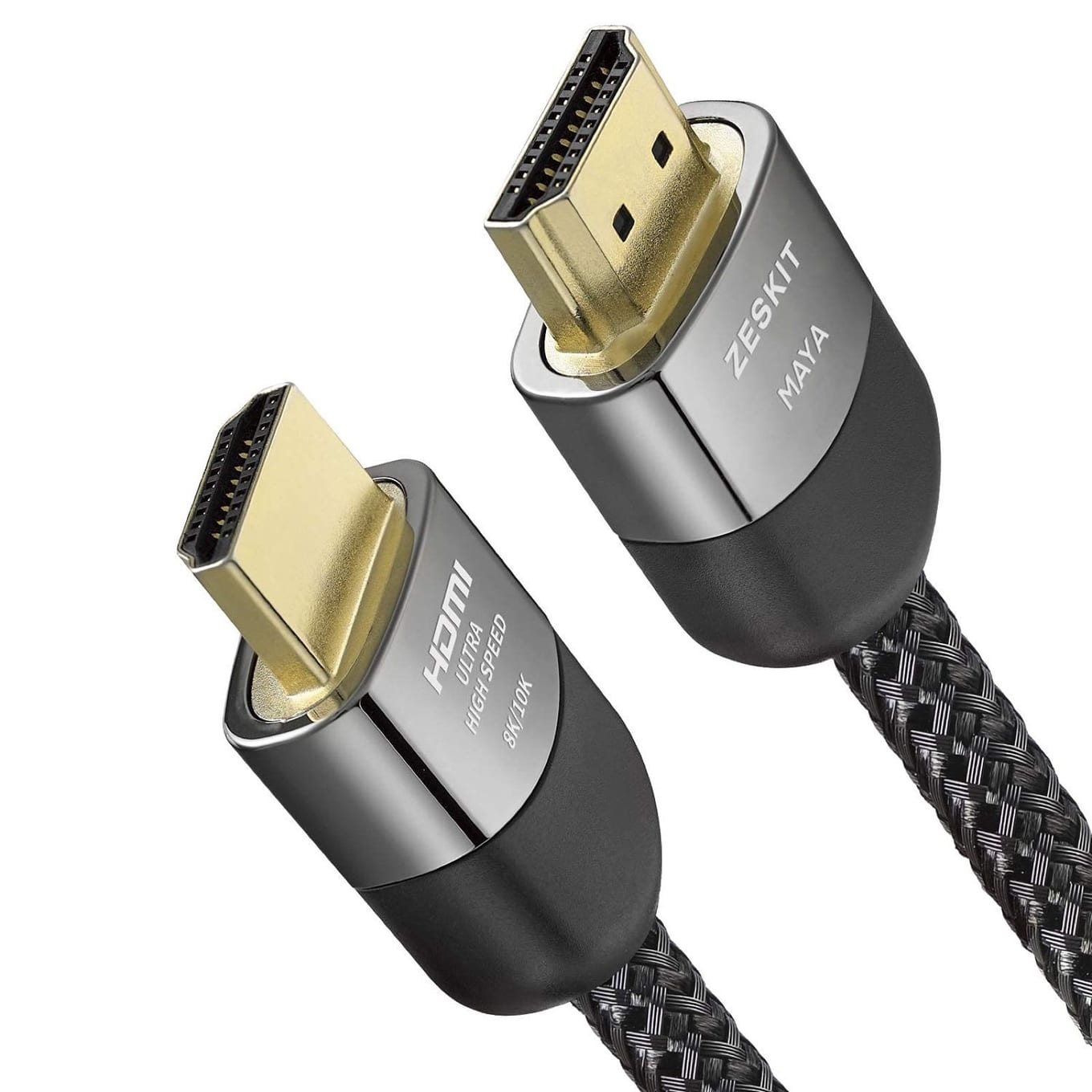
Zeskit's Maya is the enthusiast-forum answer to "which HDMI cable actually passes certification" — it carries the official Ultra High Speed certification label with a QR code you can scan to verify the exact cable in the bag passed HDMI.org's test program. If you've been burned by a "48Gbps" cable that sparkled at 4K HDR, that label is exactly the reassurance you're paying a few extra dollars for.
The build matches the paper: a dense braided jacket, solid strain relief at the plugs, and connectors that seat with a reassuring click and stay seated when the console gets nudged. For the Steam Machine it's overkill in bandwidth and exactly right in reliability — and if a soundbar with eARC or a future 4K120 console enters the picture, this cable is already the right one.
Key specs#
Bandwidth : 48Gbps, officially Ultra High Speed Certified (scannable authentication label)
Length : 6ft / 1.8m (family runs from 1.5ft to in-wall 13ft variants)
Supports : 4K120/8K60 class signals, HDR10, Dolby Vision, eARC, VRR passthrough on 2.1 sources
Build : Braided jacket, reinforced strain relief
Best for : HDR TV setups, eARC soundbars, and anyone who wants the certification stamp
Bottom line. The certified known-good cable. A few dollars more for zero doubt.
Cable Matters Certified Ultra High Speed HDMI, 16.4ft — Best Long Run#
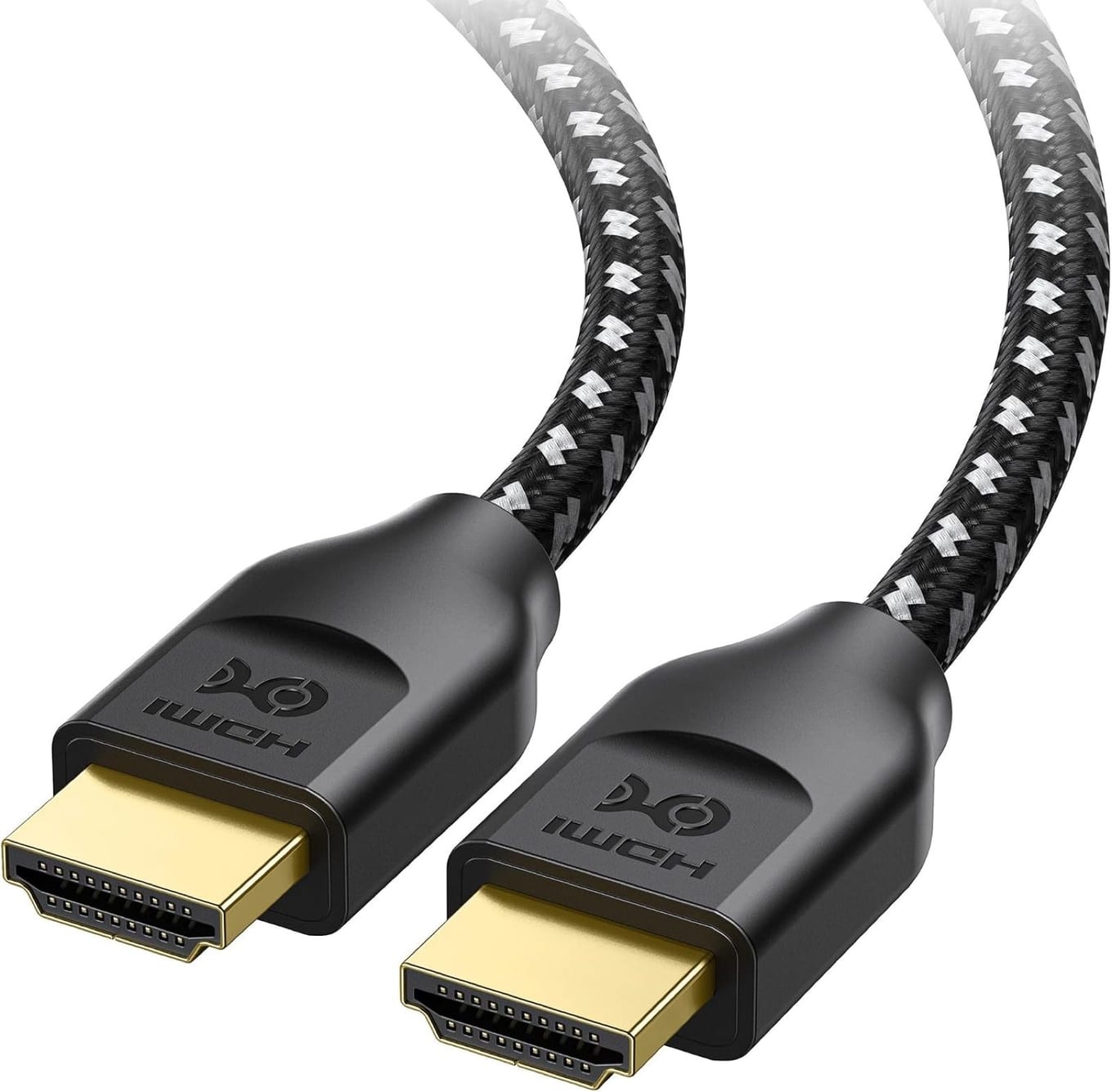
Long HDMI runs are where cable quality stops being theoretical: a marginal 15-footer that would scrape by at 3 feet starts dropping handshakes and flashing black at 4K HDR. This Cable Matters cable is the honest fix — a braided 5m cable that carries the real Ultra High Speed certification, which is notable because 5m/16.4ft is right at the practical limit of what passive cables can certify at 48Gbps. In other words, it's the longest cable you can buy without moving into active-cable territory.
For a Steam Machine in a media cabinet, a projector setup, or just a TV across the room from the shelf, this is the pick. The braided jacket and firm connectors survive being fished through cable channels and furniture, and Cable Matters is a long-standing known-quantity brand in exactly this category. Beyond 5m, look at active optical HDMI instead — but try very hard to not need to.
Key specs#
Bandwidth : 48Gbps, officially Ultra High Speed Certified — rare at this length
Length : 16.4ft / 5m (the passive certification limit; shorter lengths available)
Supports : 4K HDR at full bandwidth over the entire run, eARC, Ethernet channel
Build : Braided jacket, gold-plated connectors
Best for : Media cabinets, projectors, cross-the-room console placement
Bottom line. A certified 48Gbps cable at the maximum passive length. If the run is long, this is the one that just works.
Which one should you buy?#
For most people, buy the Amazon Basics 6ft. The Steam Machine's HDMI 2.0 output fits inside 18Gbps, this cable carries nearly triple that, and it costs about as little as a working cable can. Buy a spare with the change.
If you want the certification label — or the cable also feeds an eARC soundbar or will outlive this console into a 4K120 one — buy the Zeskit Maya. It's the scannable, verified known-good option and the build quality is real.
If the console sits more than a couple of meters from the screen, buy the Cable Matters 16.4ft and don't gamble on an unbranded long cable. Certified 48Gbps at 5m is exactly the spec that makes long runs boring, which is what you want.
One honest reminder: none of these will make the picture better than a working in-spec cable — HDMI is digital, so past compliance every cable shows the same image. What you're buying is the certainty that it works at 4K HDR, keeps working, and covers the next console too. For a high-refresh monitor, use the Machine's DisplayPort 1.4 output instead — and while you're upgrading the setup, storage is where the real gains live: our best SSDs for the Steam Machine guide covers the internal upgrade, and the rest of the kit is in best Steam Machine accessories.
Two TV settings worth checking after you plug in#
A surprising share of "bad cable" complaints are actually TV settings, so before blaming hardware, check these two — they take a minute.
Enable the input's full-bandwidth mode. Many TVs ship with each HDMI input in a legacy compatibility mode and hide the full 4K60 HDR signal path behind a setting — Samsung calls it Input Signal Plus, LG HDMI Deep Color, Sony Enhanced format. If the Steam Machine's picture looks washed out, HDR won't engage, or the console reports a 4K30 limit, this setting is almost always the reason. Turn it on for whichever input the Machine uses.
Turn on Game Mode. TVs add serious processing delay by default — often several frames — and Game Mode strips it out. On most sets it's per-input, and some TVs auto-detect consoles while others don't. With a controller in hand you'll feel the difference immediately, and no cable in the world can fix latency the TV itself is adding.
With those two set and any of the cables above in place, the Steam Machine's HDMI story is completely solved — the remaining upgrades that actually change the experience are on the storage side.
FAQ#
Does the Steam Machine need an HDMI 2.1 cable?#
Need — no; the port is HDMI 2.0 and any Premium High Speed (18Gbps) cable technically suffices. But certified Ultra High Speed 48Gbps cables now cost within a few dollars of good 18Gbps ones, are tested to a stricter program, and work with every current and next-gen console. There's no reason to buy the older spec today.
Can the Steam Machine do 4K 120Hz over HDMI?#
Partly. Valve's spec sheet lists 4K@120Hz over the HDMI 2.0 port, but at that refresh the signal uses chroma subsampling (reduced color resolution) to fit the port's bandwidth — full-quality 4K caps at 60Hz. No cable changes that — the limit is the port, not the wire. For full-quality high refresh, use the Machine's DisplayPort 1.4 output with a high-refresh monitor.
Will an expensive HDMI cable improve picture quality?#
No. HDMI is a digital signal: if the cable meets spec, the picture is bit-for-bit identical whether it's the cheapest certified cable or one costing many times more. Money buys reliability (a signal that doesn't drop at 4K HDR), build quality, length, and certification — never a better image. That's why our budget pick and premium pick show the exact same picture.
My screen goes black or shows white sparkles occasionally — is that the cable?#
Very likely, yes. Intermittent black screens, "sparkles" (flashing white pixels), or a handshake that fails at 4K HDR but works at 1080p are the classic signs of a cable that can't sustain the bandwidth. It's the first and cheapest thing to swap — usually an old or unbranded cable is the culprit, especially on longer runs.
How long can an HDMI cable be?#
For passive cables at full 48Gbps, about 5m/16.4ft — which is exactly why our long pick is that length and certified. At the Machine's actual 18Gbps output you can often stretch a quality passive cable somewhat further, but beyond ~5m the safe answer is an active optical HDMI cable rather than a longer passive one.
Which HDMI port on my TV should I use?#
For the Steam Machine any 4K-capable input works — its 4K60 signal fits every HDMI 2.0 port. TVs usually reserve one or two ports for full 48Gbps HDMI 2.1 (often labeled 4K120 or Game); save those for consoles that can use them and give the Machine any other input, with Game Mode enabled on whichever one it is.