

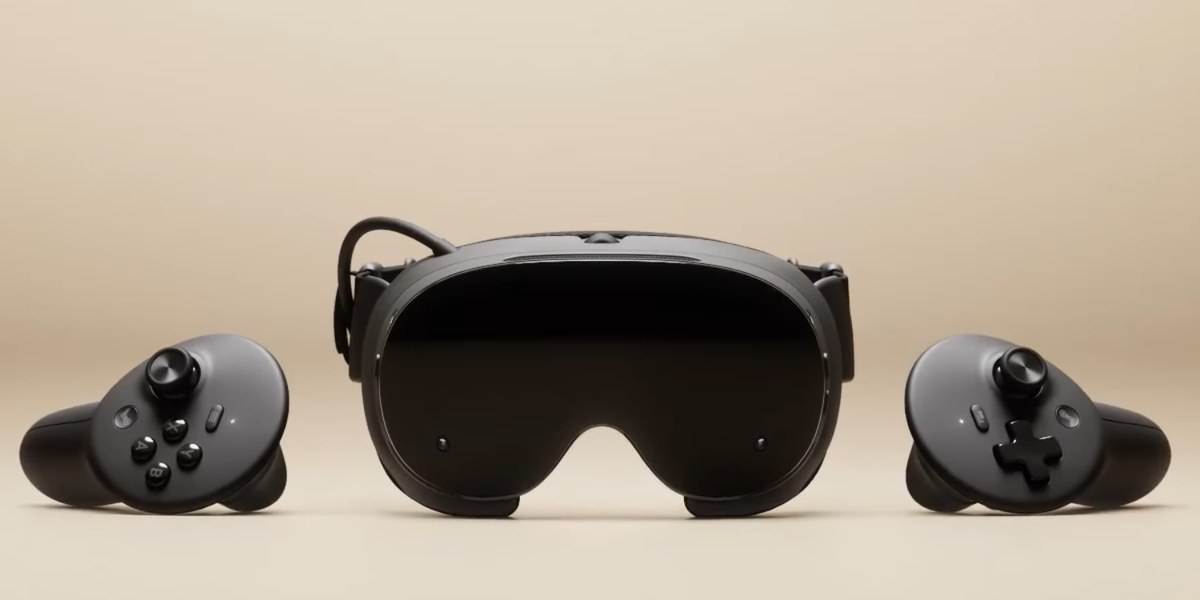
Valve's headset arrives with a lot in the box — a Wi-Fi 6E wireless adapter, a pair of Steam Frame Controllers, a copy of Half-Life: Alyx, and a 21.6 Wh battery at the rear of the strap. What it doesn't come with is a power supply — Valve's own 45W adapter is not in the box. The storage and power picks below follow from that gap and from the microSD card slot Valve lists for expanded storage, and we'll expand this guide as the Frame's accessory ecosystem fills in.
At a Glance: What to Buy First#
More game storage, no tools : View on Amazon
The whole library, one card : View on Amazon
One charger for the desk : View on Amazon
The charger Valve leaves out : View on Amazon
Power away from the wall : View on Amazon
The First Upgrade Is a microSD Card#
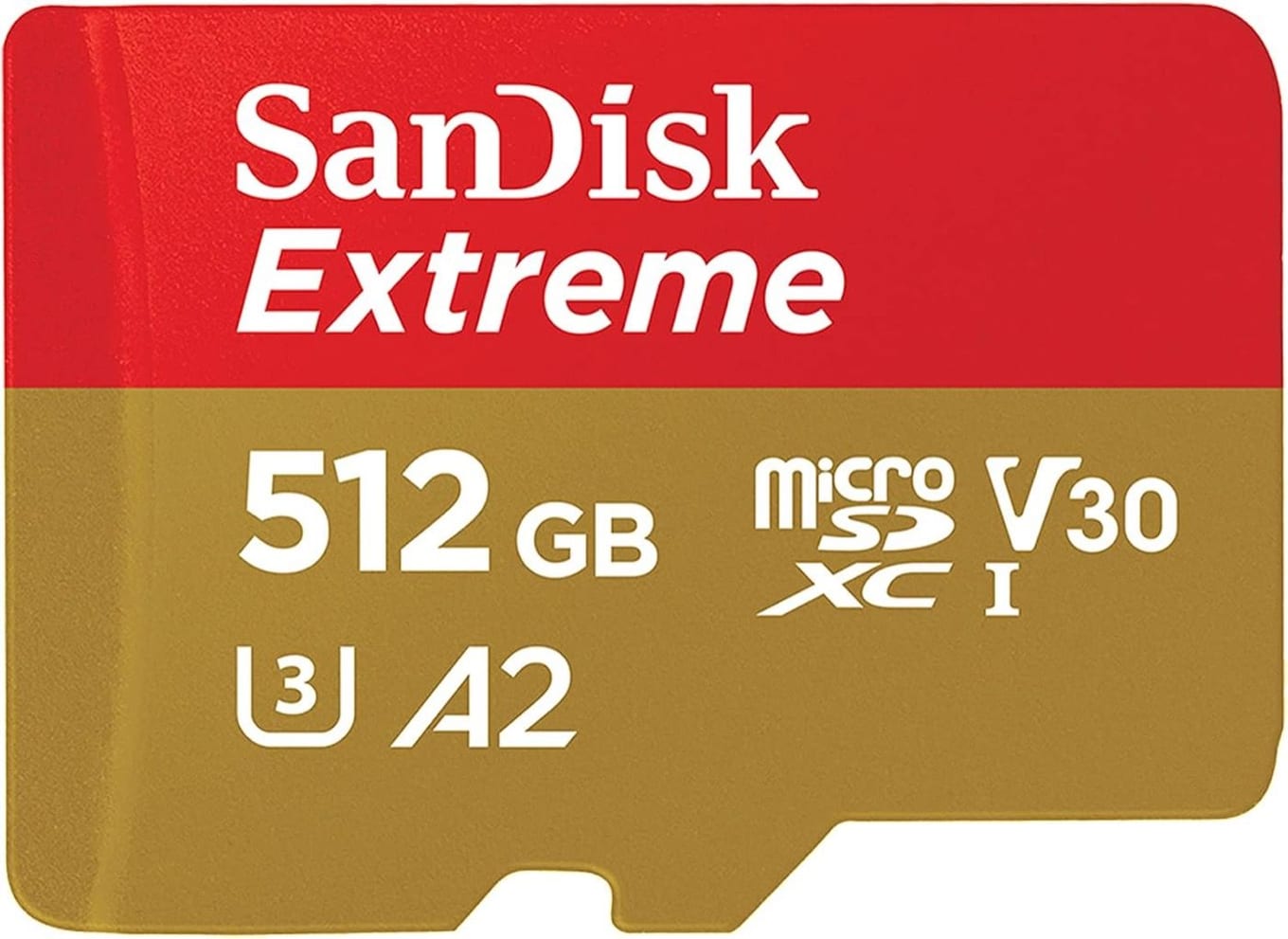
The Frame's microSD slot sits in the strap and takes the same SDXC cards, up to 2TB, as the Steam Deck and Steam Machine. The library on a card moves between them. "You can take your catalogue from your Steam Deck or from your Steam Machine, and they're fully interoperable, so you can plug it in here and just bring it along with you," Valve engineer Jeremy Selan told PC Gamer. Valve engineer Yazan Aldehayyat answered the performance question in the same interview: "We think you get a really good experience with SD cards. Game load time/boot time is still really good, and that's really the easiest option," adding: "It's what we recommend for most people."
The SanDisk Extreme 512GB microSDXC (View on Amazon) is our pick: an A2-class UHS-I card built for a device that travels — SanDisk rates it shockproof, temperature-proof, waterproof and X-ray-proof. Valve's Steam Frame store page lists a microSD card slot for expanded storage without naming a speed class, and Valve's Steamworks Steam Frame documentation names no storage specification at all (both checked 19 September 2026), so we promise nothing beyond the card's own ratings. See our best microSD cards for the Steam Frame guide.
The 256GB Frame + a 1TB Card Out-Stores the 1TB Model#
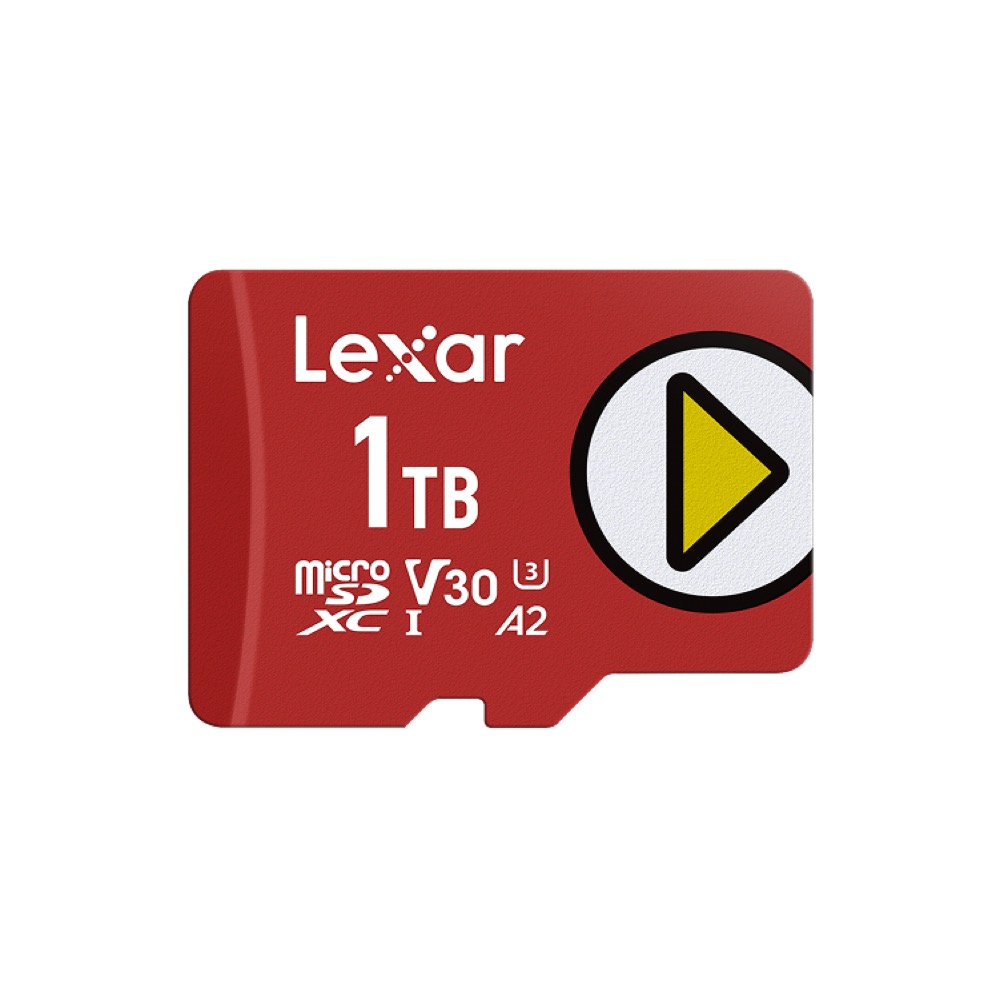
The Lexar Play 1TB (View on Amazon) takes the 256GB Frame past the 1TB model's built-in space in one move, and the card travels to a Deck or Machine whenever you want your library somewhere else. Valve engineer Yazan Aldehayyat rates load and boot times off a card as "still really good", so a big backlog belongs on the card.
One Charger for the Deck, the Phone and Everything Else#
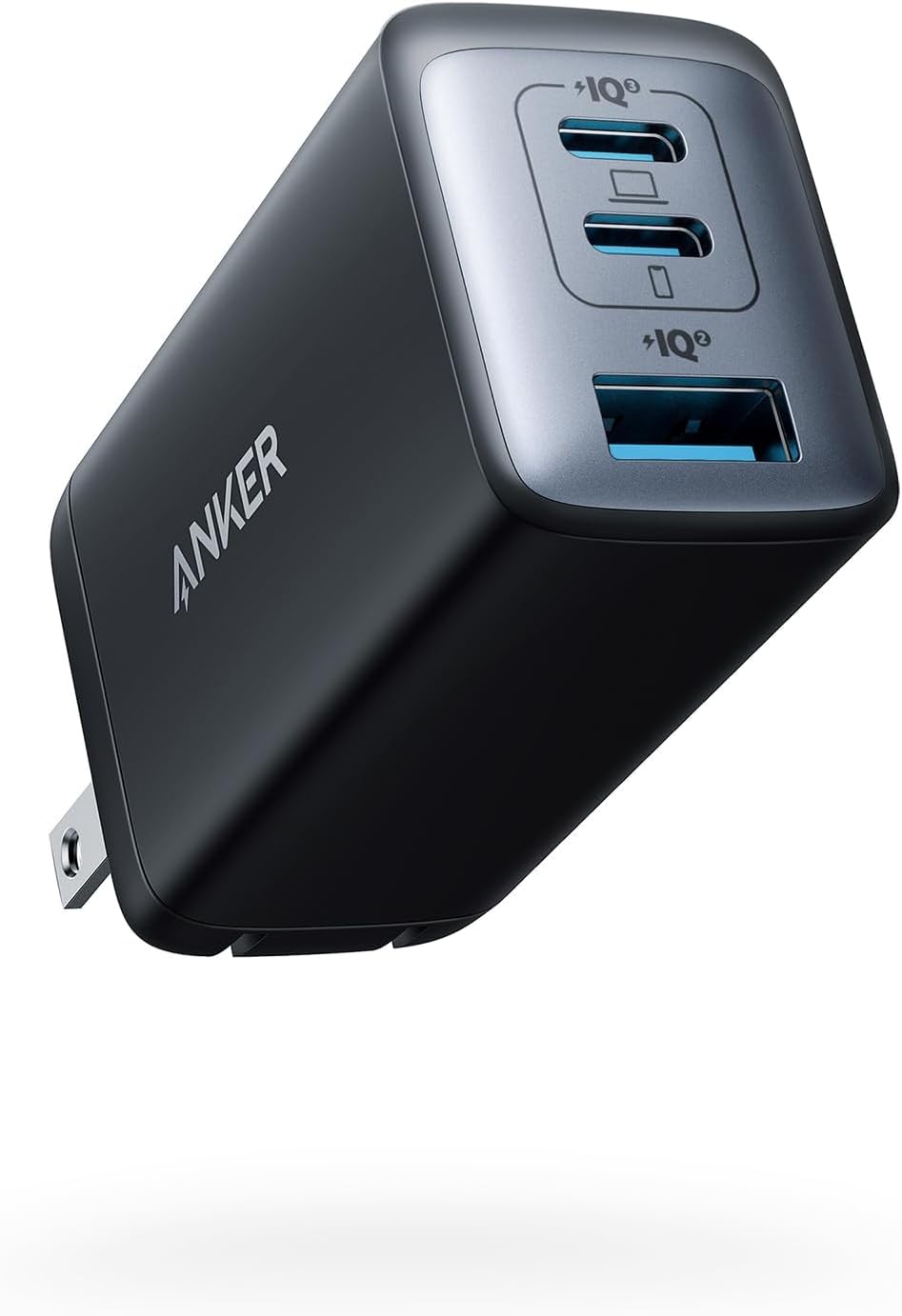
If a Steam Deck and a phone charge in the same spot as the Frame, one multi-port brick covers all three. The Frame's controllers stay out of the rotation — each runs on a single AA battery, good for about 40 hours by Valve's count. The Anker 735 (View on Amazon) delivers up to 65W from either USB-C port on its own (the USB-A port tops out at 22.5W) and shares that budget when more than one device is plugged in, so one wall outlet tops up several devices at once instead of rotating them through a single charger. See our Anker 735 charger review.
Valve's spec sheet: the Frame charges over a single USB-C port at up to 45W (15V, 3A), and Valve recommends a 45W-or-higher USB-C charger to keep playing while plugged in. Extra wattage buys the headset nothing — PC Gamer's review charged the Frame from empty on a 140W Anker adapter in 151 minutes and on Valve's own 45W unit in 142. What the 735 adds is ports: with two USB-C devices connected, its top port still gives the Frame the full 45W and the second port 20W; with three devices the top port drops to 40W and the other two to 12W each, so give the Frame the top port if you do put it on the brick.
The Charger Valve Leaves Out of the Box#
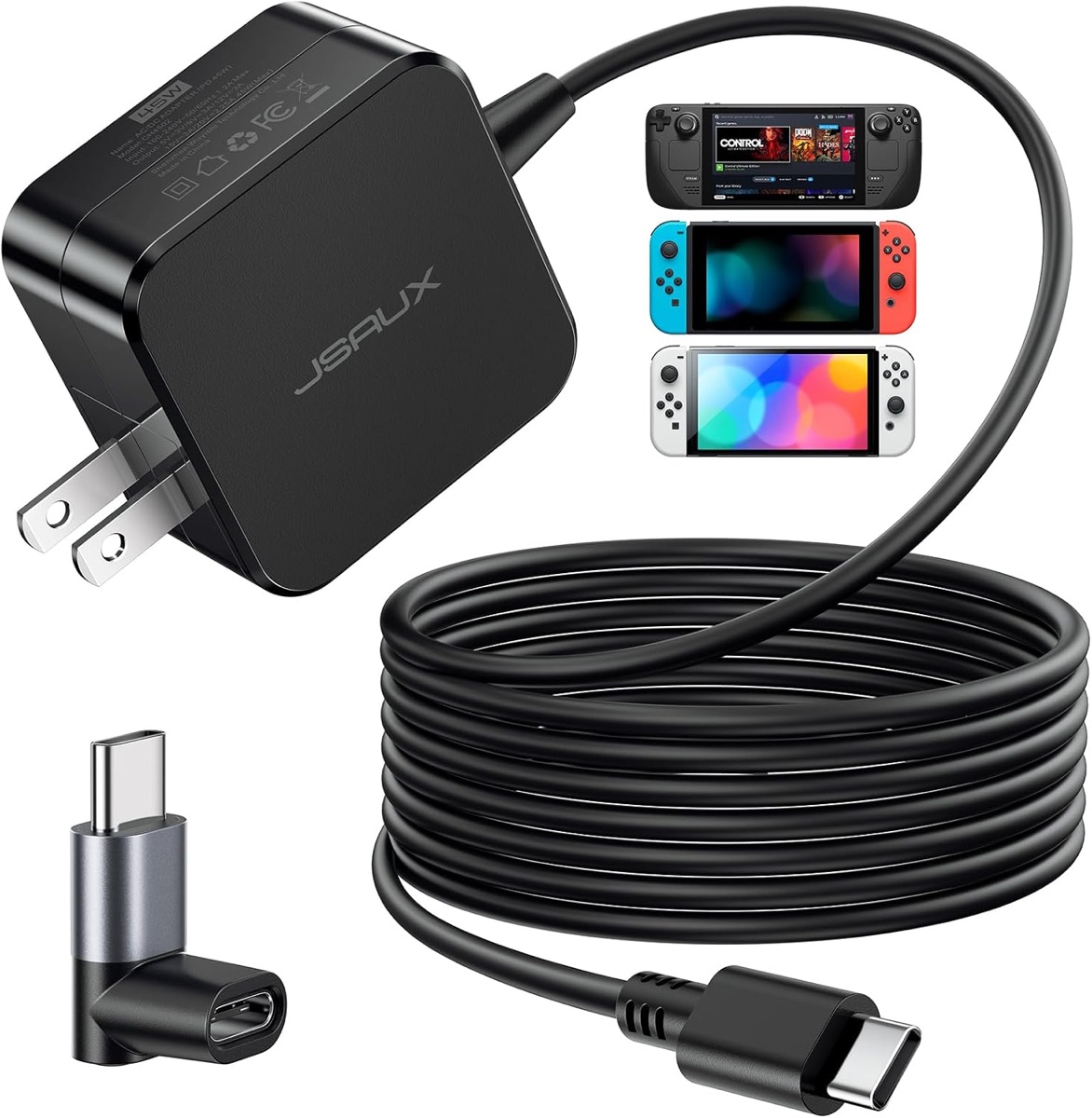
The box has no power supply. Valve's own adapter — a 45W PD 3.0 unit with a 2.5-metre cable — is one of Valve's first-party accessories, and Valve's page says a Steam Deck charger or equivalent will do the same job, with any 45W-or-higher USB-C charger keeping you going for what it calls perpetual play. That cable length matters if you intend to play plugged in: reach is part of the buy, not just wattage. JSAUX sells its 45W charger (View on Amazon) as a full replacement for the original Steam Deck charger — the charger Valve points you to. The JSAUX unit is PD 3.0 at 45W, matching the most the Frame can draw, with a built-in braided USB-C cable ten feet long, about three metres and longer than Valve's own, so the headset stays on the charger while you keep playing. If there's a Deck in the house, it does double duty.
Two honest limits. The cable is integrated, so if it ever fails the whole charger goes with it. And 45W is a single-port budget with nothing to spare — give the Frame the charger to itself. If you'd rather supply your own long cable, we have also reviewed the Anker Nano A121D 45W charger.
Power Away From the Wall#
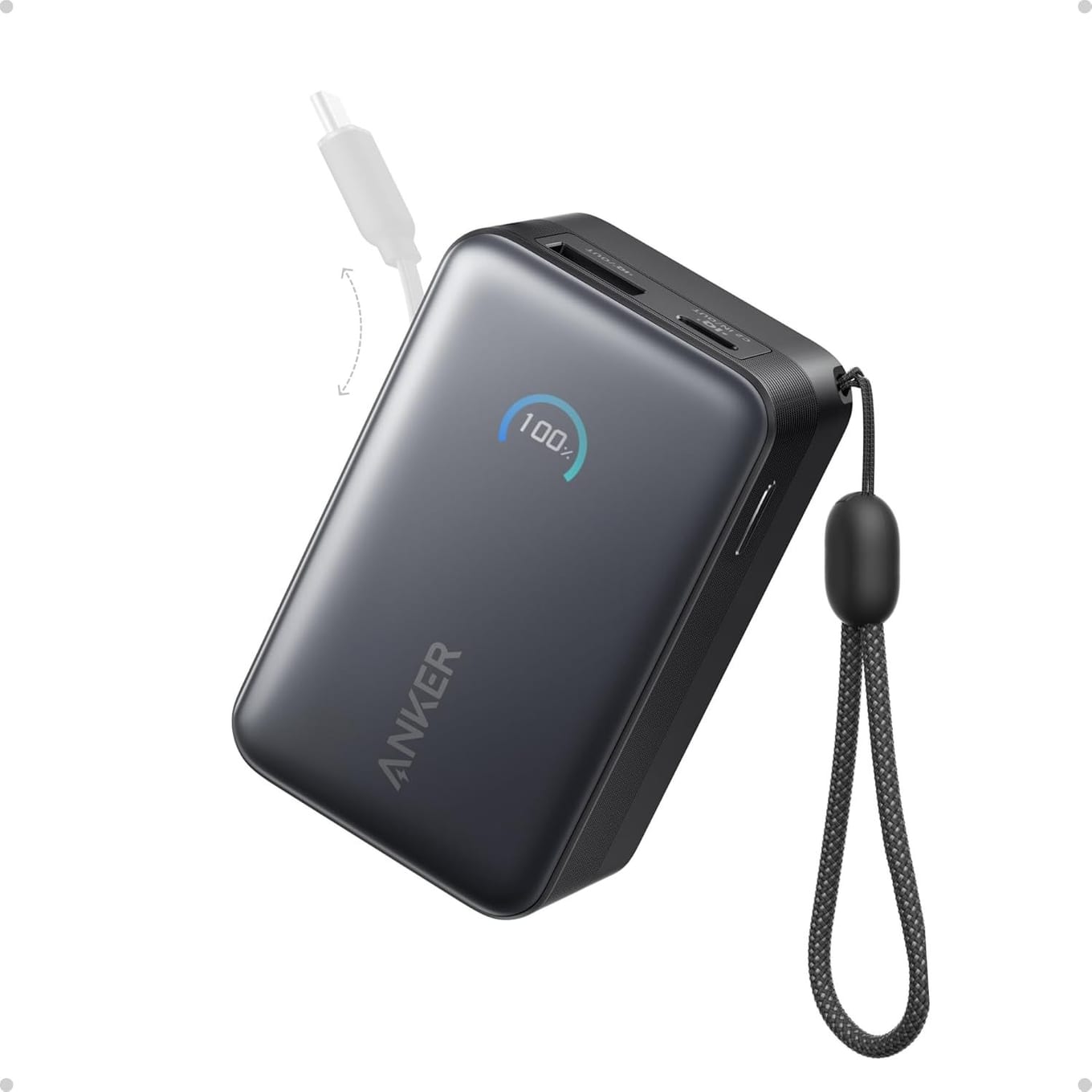
A 21.6 Wh battery at the rear of the strap is good news, but a wireless headset session eventually ends at a cable. PC Gamer's review measured 63 minutes running the Arm build of Half-Life: Alyx locally and 114 minutes streaming it from a PC, both with the Frame in its battery-saving Playtime mode at 72Hz, and a full recharge on Valve's own adapter took 142 minutes. On a trip, the wall outlet is never where you are. A compact USB-C power bank like the Anker Nano (View on Amazon) keeps sessions going: 10,000mAh of capacity, a 45W maximum USB-C output and a built-in retractable USB-C cable so there is nothing else to pack — PC Gamer's reviewer puts the power a bank needs for the Frame at around 25W.
It also charges a Deck or a phone between sessions. See our Anker Nano power bank review.
Fitted Gear: Valve's Own Kits Come First#
Cases, face gaskets, replacement straps and charging docks are the fitted gear. The first of it is Valve's own: an Ergonomic Accessories Kit (two controller hand straps with battery doors, a headset top strap and an extended light blocker) and an Accessory Replacement Kit (a face gasket, a head cushion and a standard light blocker — the soft goods that come in the box). Valve lists both as first-party accessories on its own Steam Frame page. Neither carries a link here.
Third-party cases and docks are a different matter. They have to fit the Frame's actual shape, and Valve's Steam Frame store page carries a "Steam Frame Compatible" mark for products it says have been tested to work with the headset. As of 19 September 2026 it lists two: colour passthrough by Arcturus Vision (the Arcturus Vision Camera) and prescription inserts by Zenni — no case or dock yet. We'll add third-party gear once it carries that mark. See also our best Steam Machine accessories guide. Until then this page sticks to what Valve publishes: a microSD card slot whose cards move between Deck, Machine and Frame, and USB-C charging at up to 45W.
Pros & Cons of Kitting Out Early#
Pros
- The storage and power picks here are ecosystem purchases — they serve a Steam Deck, Steam Machine and phone as well as the Frame.
- A microSD card carries your library between Steam Deck, Steam Machine and Frame — plug it in and, in Valve's words, just bring it along with you.
- A multi-port charger covers a Steam Deck and a phone from one wall outlet.
Cons
- No third-party case or dock yet carries Valve's Steam Frame Compatible mark — as of 19 September 2026 Valve's page lists only the Arcturus Vision Camera and Zenni's prescription inserts.
- Valve ships no power supply in the box, so a charger is a day-one purchase.
- If you only ever play tethered to one room, a power bank adds little.
Final Verdict#
Buy the boring things first. Valve's engineers point to the microSD card for the whole SteamOS family — one of them calls it "what we recommend for most people" — because the library on it moves between Deck, Machine and Frame. Our picks are the SanDisk Extreme 512GB (View on Amazon) and, if you want the storage question closed, the Lexar Play 1TB (View on Amazon). Add the JSAUX 45W charger (View on Amazon) for the power supply Valve doesn't include, a multi-port GaN charger for everything else and a compact power bank for the road, and the whole kit — Frame, Deck, phone — stays charged: the Frame on its own charger, the rest on the brick. Third-party cases and docks can wait for Valve's Compatible mark; Valve's own kits cover the soft goods, and both the card and the chargers follow from specs Valve publishes.