


The MSI Claw 8 is a superb handheld out of the box, but three accessories turn it from "great little machine" into a proper do-everything setup. One thing to settle first: there are two Claw 8s, and they take different SSDs - the Claw 8 EX AI+ has an M.2 2280 slot, the earlier Claw 8 AI+ an M.2 2230. Now, the three: more storage so you're not uninstalling games to fit new ones, a dock so it drives a TV or monitor with a keyboard and mouse, and a big power bank so a long session doesn't end at the wall. Those are the three picks — a SanDisk Optimus GX PRO 850X SSD, an iVANKY 14-in-1 RGB dock, and an Anker 737 power bank. Skip the gimmicks. These are the upgrades you'll actually use every day.
The logic is simple. The Claw has room for one SSD and modern games are big, so storage is the first upgrade almost everyone needs. A dock unlocks a completely different way to play — big screen, real controller or mouse-and-keyboard, wired internet. And because a demanding game can outpace the battery, a high-wattage USB-C power bank keeps you going on the couch or on a flight. Here's the best of each.
Who this comparison is for#
- You just got a Claw 8. These are the three accessories worth buying first.
- You want a bigger screen. The dock puts the Claw on a TV or a desk monitor, with a keyboard and mouse.
- Your battery dies mid-session. The power bank keeps you playing away from the wall.
How we picked#
- Upgrades you'll use daily, not gimmicks. We focused on the three that materially change how you use the Claw — storage, docking and power — over novelty add-ons.
- Handheld-appropriate. The dock had to support the Claw (and other handhelds), and the power bank had to push enough watts over USB-C to actually run the machine, not just trickle-charge it.
- Plays nicely together. Storage, dock and power cover the three real gaps without overlap — buy all three and the Claw does everything.
SanDisk Optimus GX PRO 850X SSD — Best Upgrade: Storage#
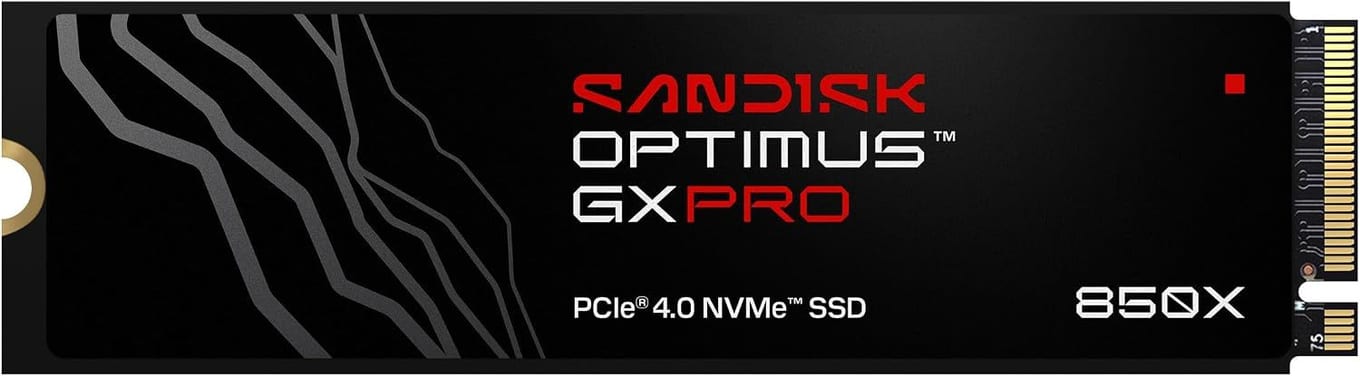
Upgrade the storage first, and get the SanDisk Optimus GX PRO 850X, SanDisk's successor to the WD_BLACK SN850X. The Claw 8 EX AI+ (CG3EM) has one M.2 2280 SSD slot on PCIe Gen4, so a full-size desktop drive drops straight in. The GX PRO 850X is exactly that: a PCIe 4.0 M.2 2280 drive from 1TB to 8TB, rated for sequential reads up to 7,300MB/s, with a 5-year limited warranty.
Check which Claw you have before you buy this drive. Only the Claw 8 EX AI+ has the 2280 slot. The earlier Claw 8 AI+ (A2VM) takes a shorter M.2 2230 drive, and a 2280 stick won't physically fit in it.
One more buying note specific to a handheld: get the bare, no-heatsink version, which fits the slot without fouling the chassis. For more drives, see our best SSDs for the MSI Claw 8 EX AI+ comparison.
Key specs#
Type : M.2 2280 PCIe 4.0 SSD (buy the no-heatsink version)
Fits : Claw 8 EX AI+ (CG3EM), which has an M.2 2280 slot — NOT the Claw 8 AI+ (A2VM), which is M.2 2230
Why : Adds fast, roomy storage, the first upgrade to make
Capacities : 1TB to 8TB
Best for : Ending the "storage full" dance for good
Bottom line. The essential first accessory for a Claw 8 EX AI+. Desktop-class speed and up to 8TB of room in its 2280 slot — just get the bare, no-heatsink version, and check your model first.
iVANKY 14-in-1 RGB Docking Station — Best Upgrade: Docking#
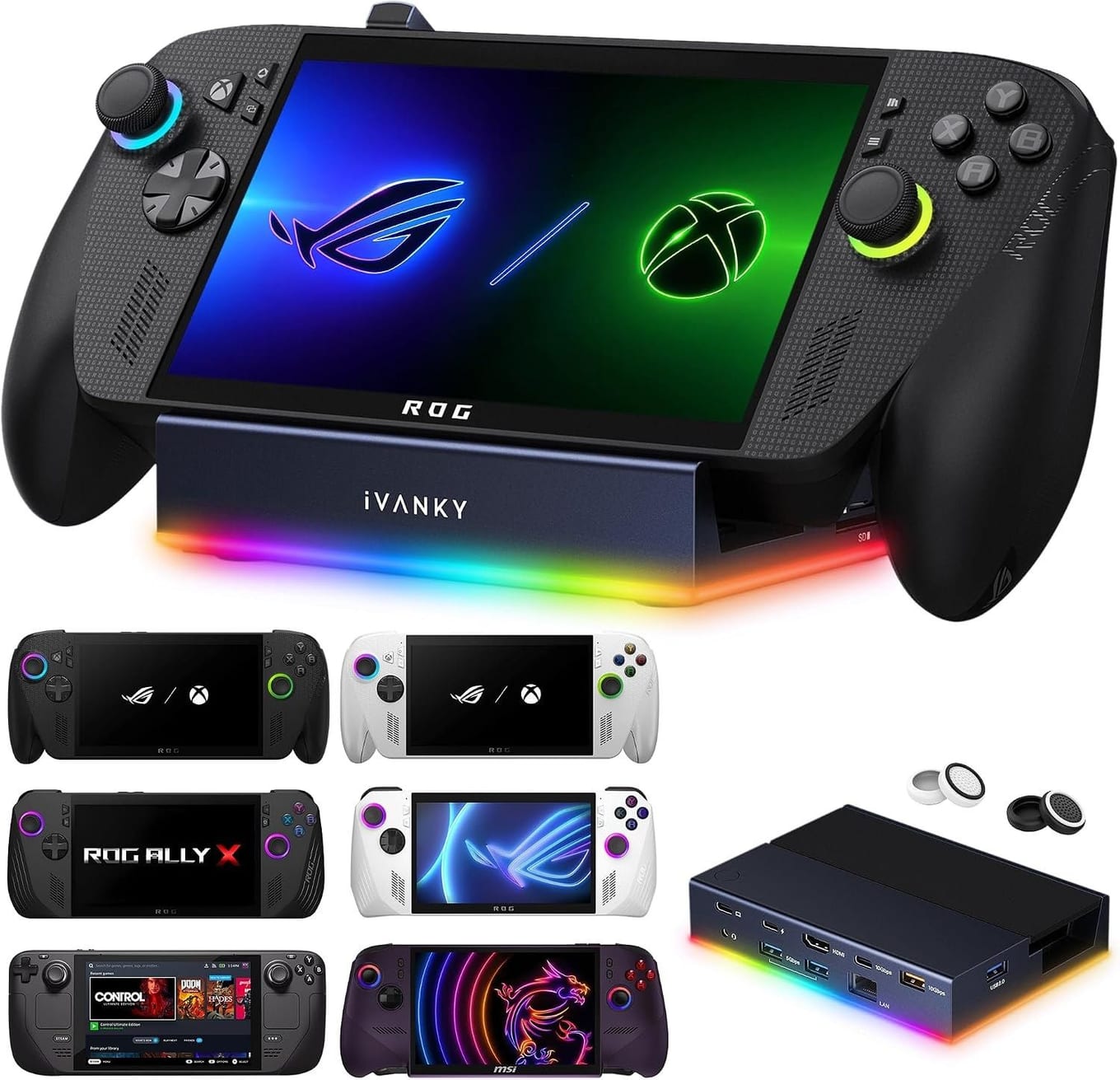
A dock is what turns the Claw into a little desktop, and iVANKY's 14-in-1 RGB dock is the pick. Its HDMI 2.1 port drives a monitor or TV at 4K@120Hz, and it adds a 1Gbps Ethernet port, 10Gbps and 5Gbps USB ports for a keyboard, mouse and controller, SD and TF card slots, a 3.5mm audio jack and USB-C charging at up to 100W, so the Claw charges while you play. Plug in once and you've got a full big-screen setup.
It works with the MSI Claw 8 EX AI+, and with the Steam Deck, ROG Ally X and Legion Go too. Update the dock's firmware to avoid HDMI mirroring issues. For couch gaming on the TV or a proper desk session with real peripherals, this is the accessory to buy.
Key specs#
Type : 14-in-1 RGB dock — HDMI 2.1 (4K@120Hz), 1Gbps Ethernet, 10Gbps + 5Gbps USB, SD/TF slots, 100W PD
Why : Drives a TV or monitor with wired peripherals and power
Best for : Playing on a big screen or working at a desk
Bottom line. Turns the Claw into a desktop or console: 4K HDMI, Ethernet, USB ports and 100W passthrough in one handheld-ready dock.
Anker 737 Power Bank — Best Upgrade: Power#

A demanding game can drain the Claw faster than you'd like, and a phone-sized power bank won't keep up — you need real watts over USB-C. The Anker 737 delivers up to 140W from a 24,000mAh cell. It's the difference between a long flight or a couch marathon ending when you want it to, and ending when the battery says so.
It meets airline carry-on rules and charges laptops and phones too, so it's not a one-job buy. There's also a newer version, the Anker Prime Power Bank (27,650mAh, 250W). If you play away from a wall socket, whether you're travelling, in the garden or on the sofa across the room, this is the power accessory that keeps the Claw going.
Key specs#
Type : 24,000mAh USB-C power bank, up to 140W output
Why : Enough wattage to run and charge the Claw during play
Best for : Long sessions away from a wall socket
Bottom line. Real 140W power for the Claw on the go, from a big 24,000mAh bank that also charges your laptop and phone. The pick for playing off the wall.
Which should you buy first?#
Start with storage — the SanDisk Optimus GX PRO 850X, if you own the Claw 8 EX AI+. Add the iVANKY dock next if you want to play on a TV or work at a desk. It transforms how you use the machine. And grab the Anker 737 if you play away from a socket and want sessions to last as long as you do.
Buy all three and the Claw genuinely does everything — a big-screen console, a desktop, and a go-anywhere handheld that doesn't die mid-game. If you only get one to begin with, make it the SSD. It's the upgrade you'll feel every single day. For the deeper storage breakdown, our Claw 8 EX SSD comparison has the full rundown.
FAQ#
What's the most important MSI Claw accessory to buy first? : Storage. The Claw has room for one SSD and modern games are big, so a bigger drive is the upgrade nearly everyone needs first — and the one you'll notice most, every time you install a game. Match the form factor to your model: the Claw 8 EX AI+ takes M.2 2280, the earlier Claw 8 AI+ takes M.2 2230.
Will the iVANKY dock work with the MSI Claw? : Yes, it works with the MSI Claw 8 EX AI+, and with the Steam Deck, ROG Ally X and Legion Go too. You get a 4K@120Hz HDMI 2.1 port, Ethernet and USB ports, and up to 100W of passthrough, so the Claw charges while it's docked.
Can a power bank actually run the Claw while I play? : Yes, if it pushes enough wattage. The Anker 737 outputs up to 140W over USB-C, which is enough to power and charge the Claw during play, unlike small phone banks that only trickle-charge. It's the right kind of power for a gaming handheld.
Do I need the no-heatsink version of the SSD? : For the handheld, yes. A tall SSD heatsink won't clear the Claw's chassis, so buy the bare version. Our dedicated Claw SSD comparison covers this in detail.
Is it worth docking a handheld instead of just playing handheld? : If you ever want a big screen, wired internet, or a real keyboard and mouse, yes. A dock lets the Claw double as a desktop or a living-room console without changing anything about handheld play.